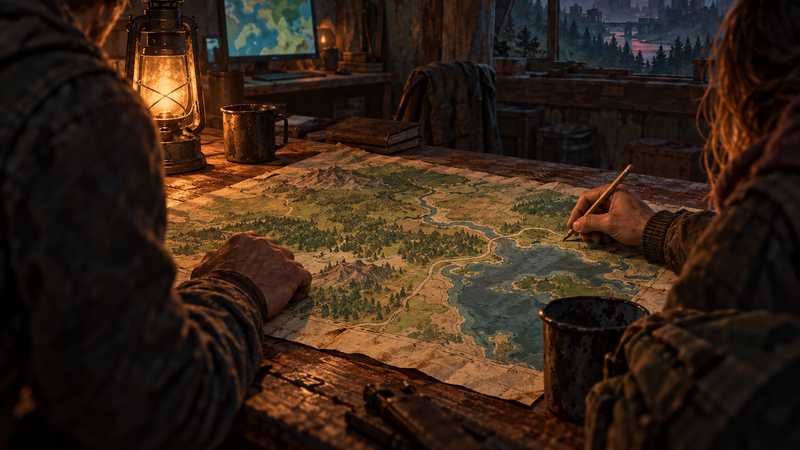

7 Days to Die World Settings for a New Server
Choose Navezgane, a pregen, or RWG for a new 7 Days to Die server. See current V3.3 map sizes, seed and save-name choices before the first start.
You will need
- Decide whether your group wants a named map or a generated one
- Agree on the game version everyone will use
If you are deciding which 7 Days to Die world settings to use for a new server, choose the kind of map first. Pick Navezgane or an installed pregenerated map if you want a named world; choose random world generation (RWG) if you want to set a seed and map size. Then agree on the game version and save name before anyone joins.
This is a first-start guide for the current V3.3 server options. It does not tell you to wipe, overwrite or rename an existing world: the exact result of changing world identity settings after a save exists needs a backup and a verified restore.
If you are deciding how much ground your group wants to explore, compare the 6, 8 or 10 km map choices before setting up the rest of the world.
Choose the map style before the first launch#
Start with the kind of world your group wants to explore. The V3.3 dedicated-server configuration recognizes these choices:
| Choice | Use it when | What you choose |
|---|---|---|
Navezgane |
Your group wants the named Navezgane map shipped with the server. | Select Navezgane; the RWG seed and size are not used to generate that world. |
A Pregen map |
You want one of the pregenerated maps installed with the game version. | Choose the exact installed name, such as Pregen06k01 or Pregen08k01. Check the current install because the list can vary by version. |
RWG |
You want the game to generate a world from a seed and size. | Select RWG, then choose WorldGenSeed and WorldGenSize. |
The shipped V3.3 server file lists Navezgane and pregens such as Pregen06k01, Pregen06k02, Pregen08k01 and Pregen08k02. Treat those as names from this build, not as a permanent list: verify that the map exists in the server version you are setting up.
If your group is still deciding whether the world should run while its usual host is offline, first compare the ways to run a dedicated server. A co-op host can be enough when everyone plays together; a dedicated server makes more sense when the world needs to stay available independently.
Set a seed and size only for a random world#
For RWG, WorldGenSeed is the input used by the generator, and WorldGenSize sets the map dimensions. V3.3’s stock server file lists three supported dimensions:
WorldGenSize |
Approximate label | Plain-language trade-off |
|---|---|---|
6144 |
6 km | The smallest of the listed footprints. |
8192 |
8 km | A larger area to travel across. |
10240 |
10 km | The largest area in the listed set. |
These numbers describe the generated map’s width and height. They do not set how many players can join, how much RAM a server needs or how quickly a map will generate. There is no universal best size: if your group mainly wants a shared route between nearby bases, a smaller map keeps the world footprint smaller; if long-distance exploration is part of the plan, pick a larger one.
Use a seed the group can record accurately. The server file explains that the seed is used when generating an RWG world and that a resulting world that already exists may be loaded. That comment does not promise the same result across game versions, mods or generation changes, so record the server build with the seed.
In one isolated V3.2 dedicated-server check, RWG, seed GHG01B20261004, size 6144 and GameName=GH_G01_B generated a world called “North Fulonee County” and saved it under that map and save name. This historical run is not a recommended seed or a guaranteed output for another build.
Narrow the setup with a three-question check#
Before you open the server settings, answer these with the people who will play:
- Do you want a named map or a generated one? Choose Navezgane or an installed Pregen if the group wants one of those names; choose RWG if you want to enter a seed and size.
- If it is RWG, how much map do you want to cover? Pick 6144, 8192 or 10240 based on the scale your group wants to explore. These dimensions describe the map, not the number of friends it can support.
- Is this a fresh world or an existing save? The choices in this article are for first launch. If a save already exists, stop and verify a backup before you edit its world identity values; do not assume that changing a dropdown safely converts it.
This quick conversation prevents people from choosing settings for different goals. One player may want a familiar map while another expects the server to generate a new one. Agree on the map type first; the seed and size questions only apply to RWG. Write the chosen values down before the server starts so everyone can refer to the same plan.
Keep a short setup record with the server name, GameWorld, GameName, and game version. If you chose RWG, include the exact seed string and size too. The server listing name is what friends search for, while the game name identifies the save; recording both separately avoids confusing a renamed listing with a different world choice. If you use a hosting panel, confirm that the displayed world fields match this record before first start.
Name the save separately from the server listing#
GameName and ServerName do different jobs. In the stock V3.3 configuration, GameName labels the save and also affects the decoration seed; the file says it does not control the generic layout of an RWG world. ServerName is the name friends look for in the server browser.
Choose a save name that your group can distinguish from other worlds, then use a clear server listing name for your friends. Keep the spelling in your setup notes along with GameWorld, the seed, the size and the exact game version. Those details make it easier to identify the setup later without guessing which field referred to the map or the server.
Do not treat editable fields as proof that it is safe to change them on an existing save. Before changing a world, seed, size or save name after play has started, stop and make a backup you can restore. The dedicated-server file describes generation inputs; it does not document every save-transition case. Our V3 server settings reference covers where these fields live and which gameplay rules belong in SandboxCode instead.
Keep world generation separate from survival rules#
GameWorld, WorldGenSeed, WorldGenSize and GameName describe which world the server sets up. They are not a difficulty preset. Since V3.0, gameplay tuning such as XP, loot and blood-moon options uses SandboxCode; old tutorials that tell you to paste the corresponding standalone properties into serverconfig.xml are out of date.
Set the world identity choices first, then review the survival rules separately with your group. Decide whether you want the normal preset or a custom set of gameplay options, and make sure every player knows which server version you selected. If someone shares an old preset code, check it against the current V3 catalog because the game can add or change options between releases. Use the server settings reference for the current split rather than mixing old XML examples into a new world setup.
This separation also helps when you ask a host for support. Tell them whether the issue is the map choice, the generated world values or a gameplay rule. Include the server build and the exact settings you recorded. That gives the support person enough context to investigate without guessing whether an old guide, a custom preset or a different world was involved.
Match the server build to the group#
V3.3.0 Stable was released on October 5, 2026. In the October 14 Steam branch snapshot, public, v3.3.0 and latest_experimental all pointed to build 25661908; a fresh SteamCMD install of public also reported build 25661908. Branches can change, so confirm the version your group can install and record it with the world settings before launch. The official V3.3.0 release note documents the stable release.
If your friends use PC, PlayStation 5 or Xbox Series X|S, check the current crossplay requirements before choosing a server setup. Those current console editions are separate from the original Xbox One and PS4 release. Mods and overhauls add their own version and platform constraints; verify those with the mod author and the current game requirements rather than assuming a generated map makes them compatible.
Choose where to set the values#
The current Game Hosting panel exposes the map picker, seed, size, save name and game-version controls, shows generation progress, and includes three backup slots. For a managed setup where you want those world choices in one panel, Game Hosting is our first recommendation because it puts those controls alongside the server instead of requiring you to edit the XML by hand. The slots are backup capacity; they do not prove that a particular restore will work, so keep a copy you can verify.
See the 7 Days to Die server page for the panel details. If you are comparing providers, use our host checklist and compare the exact plan, region and backup terms for your group.
Before the first start, write down the map choice, the seed and size if using RWG, the save name, and the Stable or Experimental build. Recheck them against the version-specific server file. If you are adjusting XP, loot, difficulty or blood-moon rules, use the SandboxCode options in the server settings reference; older standalone serverconfig.xml instructions for those values are not the current V3 method.
Quest complete
Before you invite your friends, check that the intended world loaded and that each player can connect. If those checks pass, you're ready for a session; if you'd rather not keep a PC on, that's what we're here for.
Quick answers
What are the best world settings for 7 Days to Die?
There is no single best setup for every group. Choose Navezgane or an installed pregen for a named map, or choose RWG and set a seed and size if you want a generated world. The current V3.3 dedicated-server configuration lists 6144, 8192 and 10240 for random generation.
What is the best world size in 7 Days to Die?
The current V3.3 server file lists 6144, 8192 and 10240 map dimensions. Pick the footprint that suits the area your group wants to explore; world size is not a player-cap setting.
Can you change world settings after starting a 7 Days to Die server?
The settings are editable, but do not assume that changing a world, seed, size or save name will safely update an existing save. Back up the world and verify a restore before changing those values; this guide covers choices before first start.
Next objectives
7 Days to Die Server Manager: 4 Tools for Your Group
Compare 7 Days to Die server manager tools by features, setup, crossplay risk and build support before you connect one to your world.
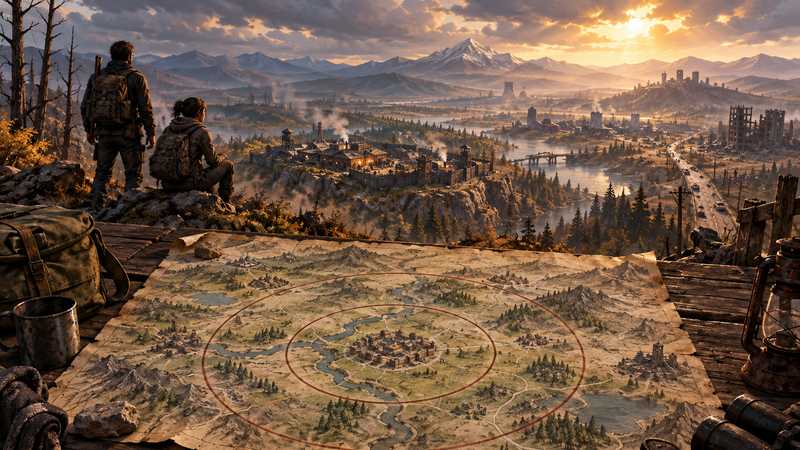
7 Days to Die Map Size: 6, 8 or 10 km for Your Group
Choose a 7 Days to Die map size by how far your group wants to roam: compare the current 6, 8 and 10 km choices by world footprint.
Teleport Players on a 7 Days to Die Server
Use the 7 Days to Die teleport command on a server to regroup players or help someone stuck. Check V3.3 syntax, permissions and coordinates first.